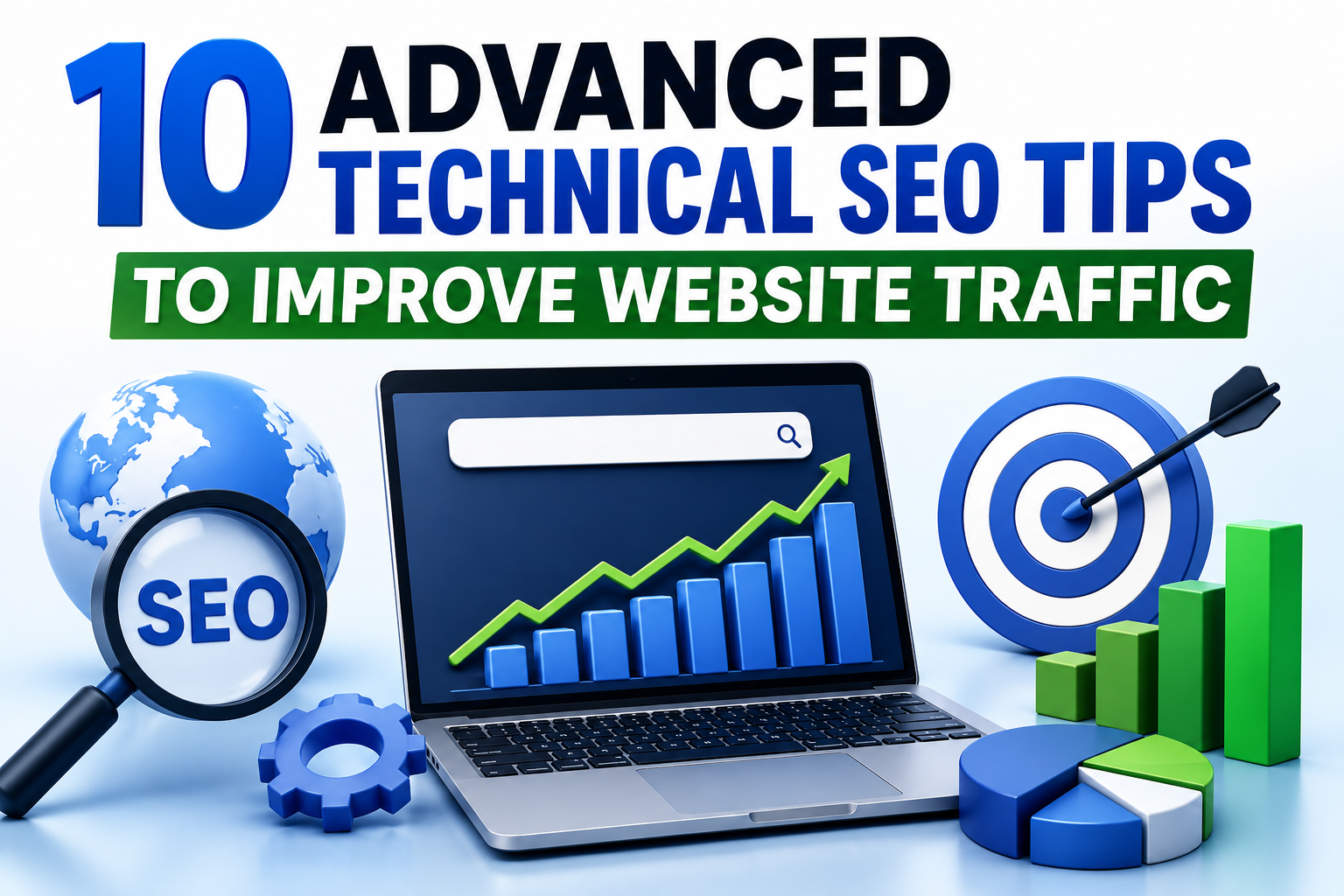
10 Advanced Technical SEO Tips to Improve Website Traffic
Let's be honest for a second. Most websites don't lose traffic because their content is bad. They lose traffic because something under the hood is broken, slow, or just plain confusing to Google. That's the annoying part about technical SEO. You could write the best article on the planet, but if your site loads like it's stuck in 2010, nobody's ever going to see it.
The good news? Fixing this stuff isn't as scary as it sounds. You don't need to be a developer or memorize a hundred SEO tools. You just need to know what actually matters and where to focus.
In this guide, I'm going to walk you through 10 advanced technical SEO tips that can genuinely move the needle on your traffic. Not the fluffy "add a sitemap and you're done" advice you've read a million times, but the deeper stuff that separates the sites that grow from the ones that stay stuck on page five.
If you're serious about growing organic traffic, ranking higher on Google, and building a website that actually performs, this one's for you.
Why Technical SEO Still Matters in 2026
Before we jump into the tips, let's clear something up quickly. A lot of people think technical SEO is dead or that Google is smart enough to figure everything out on its own. It's not. And it isn't.
Google might be advanced, but it still relies on your website being crawlable, fast, mobile-friendly, and cleanly structured. If your foundation is shaky, no amount of content or backlinks will save you.
Technical SEO is basically the plumbing of your website. Nobody sees it, but everything depends on it working.
1. Fix Your Core Web Vitals Before Anything Else
If your Core Web Vitals are a mess, you're already losing the game. Google uses these metrics to measure how your site actually feels to real users, things like loading speed, responsiveness, and how much your page jumps around while it loads.
The three metrics to know:
- LCP (Largest Contentful Paint) – how fast your main content loads
- INP (Interaction to Next Paint) – how quickly your page reacts when someone clicks
- CLS (Cumulative Layout Shift) – how stable your layout is while loading
Run your site through Google PageSpeed Insights. Anything in the red? Fix that first. Slow, clunky sites just don't rank the way they used to.
2. Get Serious About Crawl Budget Optimization
Here's something most beginners never think about. Google doesn't crawl every page on your site every day. It gives each site a "crawl budget," and if you're wasting that budget on junk pages, your important content might not even get seen.
Some quick ways to protect your crawl budget:
- Block low-value pages with robots.txt
- Remove or noindex duplicate and thin content
- Clean up outdated URLs and redirect chains
- Fix broken internal links
Basically, make it easy for Google to find your best stuff first.
3. Master Structured Data (Schema Markup)
Schema markup is like giving Google a cheat sheet about your content. It tells search engines exactly what your page is, whether it's a recipe, a product, an FAQ, a review, whatever.
Pages with proper schema often get those rich snippets in search results, the stars, prices, images, and FAQ dropdowns that steal all the clicks.
Focus on schema types like:
- Article
- FAQ
- Product
- Breadcrumb
- How-To
- Local Business
Even if you don't rank higher, better-looking search results almost always mean more clicks.
4. Optimize Your Internal Linking Structure
Internal linking is one of those things nobody talks about enough. It's honestly one of the easiest ways to move traffic between your pages and boost the ones that matter most.
The trick is to link with intention. Every important page on your site should have several internal links pointing to it from related articles. Use descriptive anchor text, not stuff like "click here." Google reads that anchor text to understand what the linked page is about.
Pro tip: fix orphan pages. If a page has no internal links pointing to it, Google might treat it like it doesn't exist.
5. Clean Up Your XML Sitemap
Most sitemaps I audit are a disaster. They include noindex pages, redirected URLs, broken links, and pages nobody should ever see.
Your sitemap should only include:
- Live, indexable URLs
- Canonical versions of pages
- High-quality, SEO-relevant content
Submit your cleaned-up sitemap in Google Search Console and check for warnings regularly. A clean sitemap helps Google crawl your site faster and more accurately.
6. Use Canonical Tags the Right Way
Duplicate content isn't just a content problem. It's a technical one too. If Google sees multiple versions of the same page (say, with different URL parameters), it doesn't know which one to rank.
That's what canonical tags are for. They tell Google, "Hey, this is the master version of this page." Get this wrong and your rankings can literally split across multiple URLs, meaning none of them rank well.
Double-check canonical tags on:
- Product pages with filters
- Pagination pages
- Blog category pages
- Print or AMP versions
7. Improve Mobile Usability (Not Just Mobile Design)
Google switched to mobile-first indexing years ago, but a lot of sites still look great on desktop and terrible on mobile. And I don't just mean visually.
Things that hurt mobile SEO include:
- Tiny tap targets
- Text that's too small to read
- Pop-ups that cover the whole screen
- Slow loading on mobile networks
- Layout shifts caused by ads or images
Test your site on an actual phone, not just a desktop browser resized. That's where a lot of hidden issues show up.
8. Audit and Fix Redirect Chains
Redirects are useful, but they also slow things down when they pile up. A redirect chain is when Page A redirects to Page B, which redirects to Page C, and so on.
Every extra hop:
- Slows down page load
- Wastes crawl budget
- Can lose link equity
Use a tool like Screaming Frog or Sitebulb to spot these chains and clean them up. One redirect is fine. Five in a row is a problem.
9. Optimize Images the Right Way
Images are usually the heaviest thing on any web page. If you're not optimizing them, you're basically hurting your own load times on purpose.
Here's the checklist I use:
- Convert JPG and PNG files to WebP
- Compress every image before uploading
- Use descriptive file names (not IMG_2938.jpg)
- Add meaningful alt text
- Use lazy loading for images below the fold
- Serve responsive images with proper srcset attributes
These small changes add up fast. On a heavy blog or ecommerce site, they can shave seconds off your load time.
10. Set Up Proper HTTPS, Security, and HTTP Headers
This one gets ignored constantly. Security isn't just about protecting your users. It's also about ranking.
Make sure:
- Your entire site runs on HTTPS (no mixed content warnings)
- Your SSL certificate is valid and up to date
- You use security headers like HSTS, X-Content-Type-Options, and Content-Security-Policy
- You avoid outdated protocols like TLS 1.0
Google trusts secure websites more. Users trust them more too. And trust converts.
Bonus Tip: Monitor Your Site With Real Data
Technical SEO isn't a one-time thing. It's an ongoing process. The sites that keep growing are the ones that keep checking in.
Use tools like:
- Google Search Console
- Google Analytics 4
- PageSpeed Insights
- Screaming Frog
- Ahrefs or Semrush
Set up regular audits. Monthly is great. Even quarterly is better than nothing. You can't fix problems you don't know about.
Final Thoughts
Technical SEO isn't glamorous. Nobody's going to congratulate you for fixing your redirect chains or cleaning up your sitemap. But this is exactly the stuff that separates websites that quietly grow month after month from ones that stall out no matter how much content they publish.
If I had to give you one piece of advice, it would be this: don't try to do all 10 of these at once. Pick two or three. Get them right. Then move to the next. Consistent, focused improvements will always beat rushed, half-finished ones.
Your site's traffic is directly tied to how well it performs at the technical level. Fix the foundation, and everything else, your content, your rankings, your conversions, gets easier.
🎥 Watch Video Tutorial
Frequently Asked Questions
1. What is technical SEO?
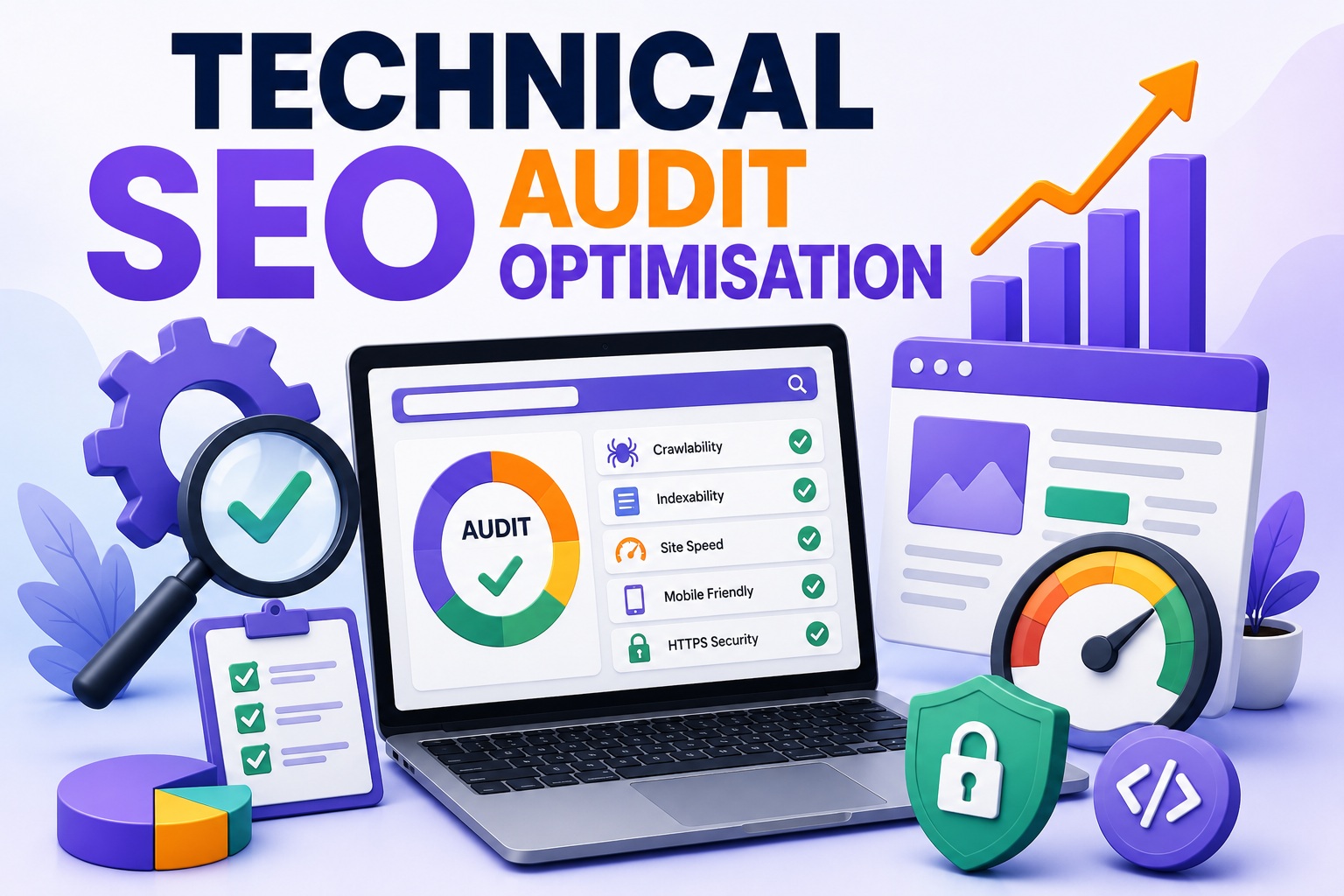
Technical SEO is the process of improving the behind-the-scenes parts of your website, like speed, crawlability, structure, and security, so search engines can properly find, understand, and rank your content.
2. Is technical SEO still important in 2026?
Absolutely. Google still relies heavily on how well your site performs technically. Without a solid technical base, even the best content can struggle to rank.
3. How long does it take to see results from technical SEO?
It depends on the size of your site and the issues you fix. Some improvements, like faster load times, show effects within weeks. Bigger structural changes can take a few months.
4. Do I need to be a developer to do technical SEO?
Not necessarily. A lot of technical SEO can be handled with plugins, no-code tools, and audits. But for advanced fixes, having a developer helps.
5. What tools are best for technical SEO audits?
Google Search Console, Screaming Frog, Sitebulb, Ahrefs, and PageSpeed Insights are the most trusted. They cover everything from crawl issues to speed problems.
6. How often should I audit my website?
At minimum, once every three months. If your site is large or updated often, monthly audits are safer.
7. Does website speed affect rankings?
Yes, especially since Core Web Vitals became ranking signals. Slow sites lose both rankings and users.
8. What is crawl budget and why does it matter?
Crawl budget is how many pages Google is willing to crawl on your site during a given period. If it's wasted on junk pages, your important content might not get indexed properly.
9. Are structured data and schema markup the same?
Basically, yes. Schema markup is the vocabulary used to add structured data to your website so search engines can better understand your content.
10. Can technical SEO alone increase traffic?
It helps, but the real magic happens when technical SEO, quality content, and good backlinks all work together. Fixing the technical layer often unlocks the ranking potential you already have.